Client

Hasso Plattner Institute

Au·de modules

AI governance
AI workspace
Brand story and brand voice

Au·de case study
AI imagery
Prompt system

AI style guide for openHPI

A visual language that the openHPI team implements itself with generative AI: with rules, prompt building blocks and colour filters for every course level.

openHPI is the learning platform of the Hasso Plattner Institute, with courses on computer science, data science and AI. Every course needs a teaser image on the platform. As part of the redesign, we developed a visual language and documented it so that the team creates the course images itself with AI image generators, while staying in the style of the platform.


Starting point

openHPI needs a teaser image for every course. The team was to create these images itself with AI image generators without the platform losing its style.

What we built

A two-part style guide: rules for people on motifs, atmosphere, dos and don’ts, plus a fixed prompt structure with a keyword library, negative keywords and colour filter prompts for the three course levels.

What the team now does itself

The openHPI team creates course images itself in two steps: generate the photo, apply the level colour. The images stay in the style of the platform, and new courses no longer need an agency.


AI governance: rules for people

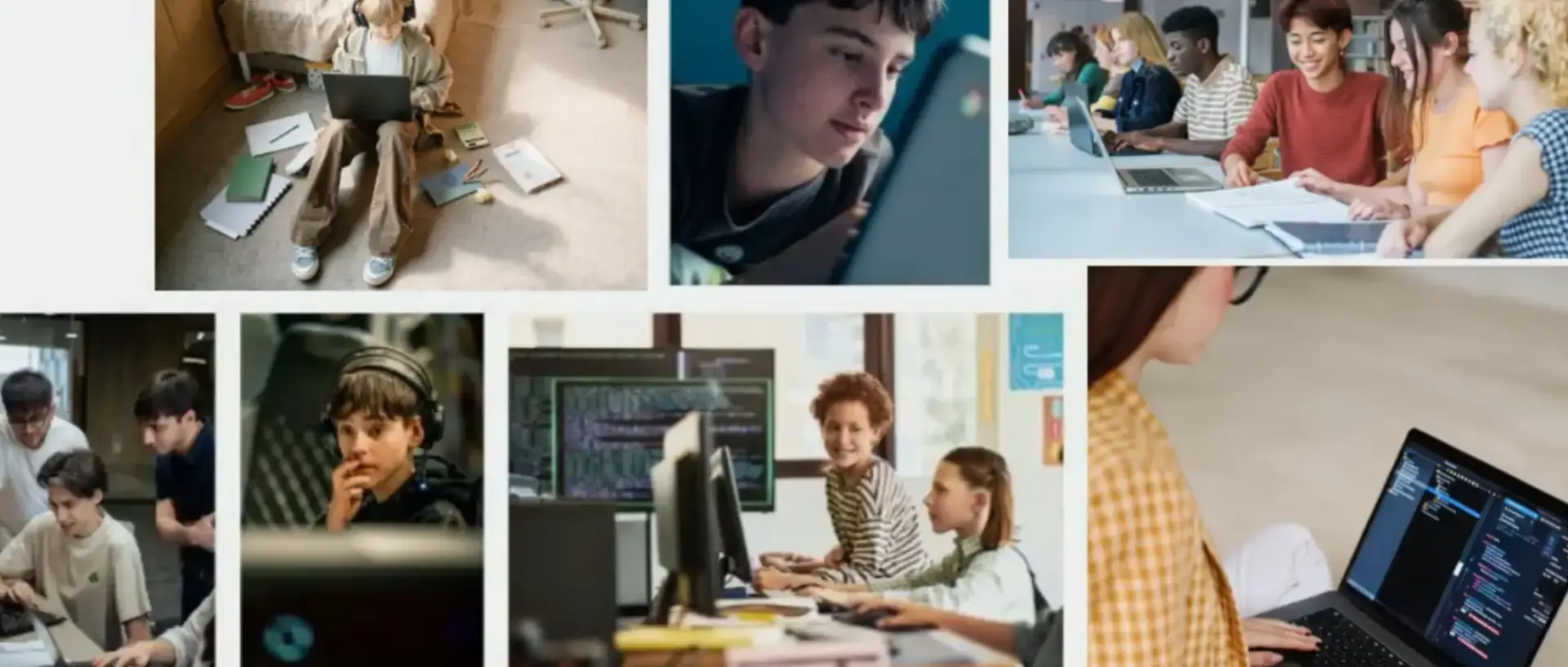
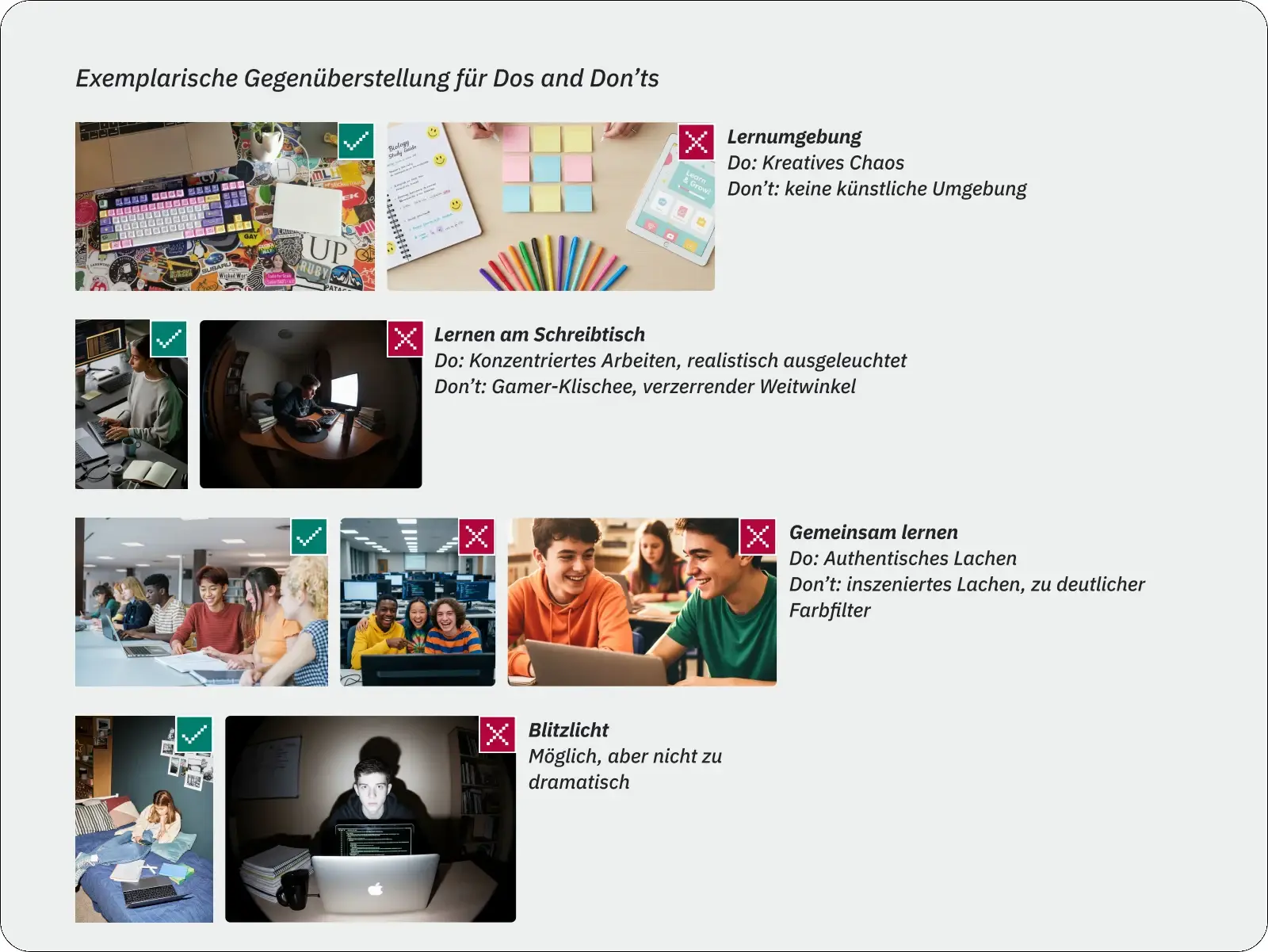
The images show real people in learning moments, alone or in exchange with others, with visible devices and a working environment where creative chaos is allowed. The light is soft; warm details in clothing and surroundings balance the cool colours of technology. The don’ts are described just as precisely: no gamer clichés, no dark rooms with glaring screens, no staged laughter, no colour filters and no dramatic wide angles.

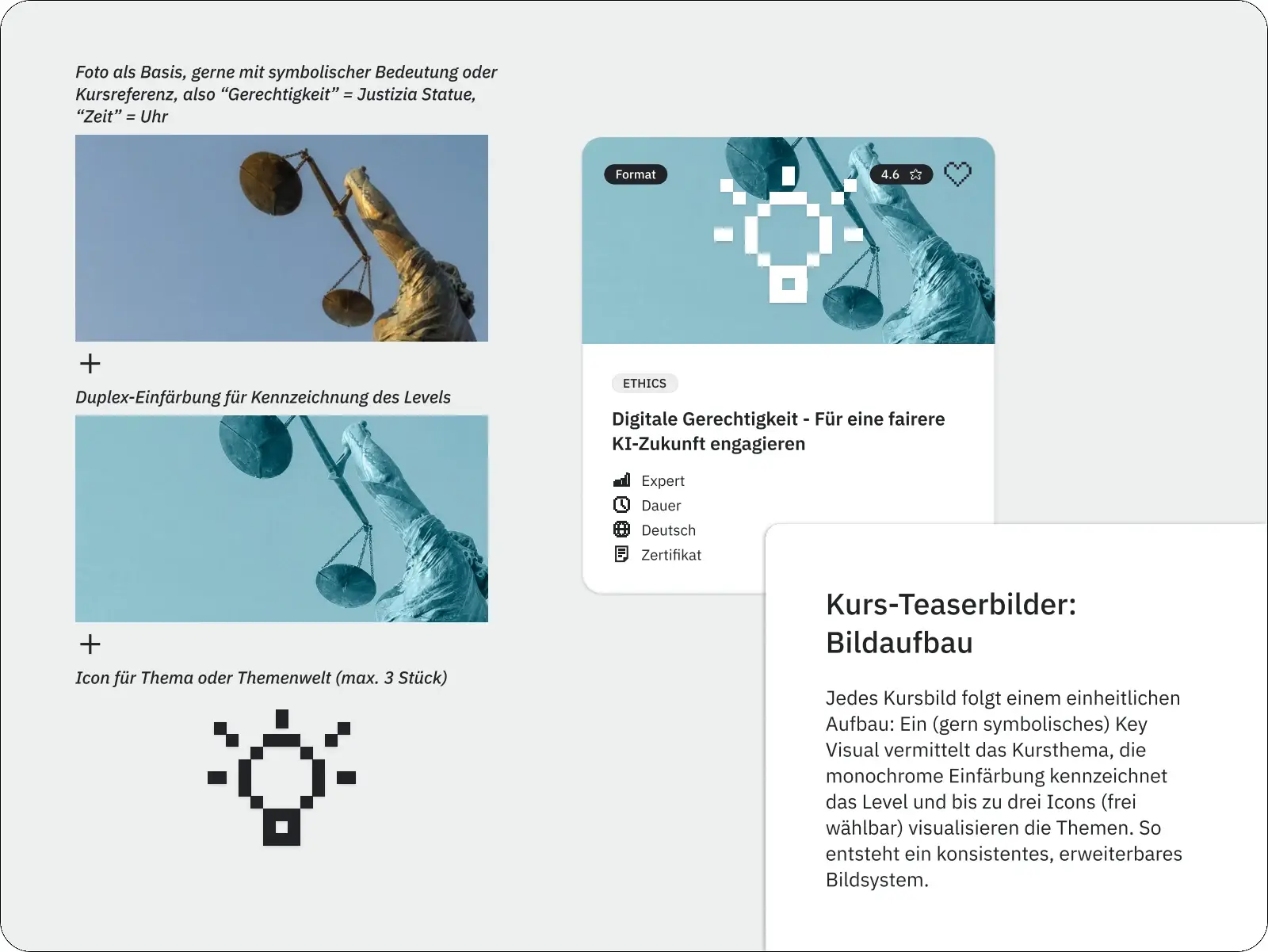
Course images follow a fixed structure: a symbolic key visual for the course topic, a monochrome tint by level and up to three icons. Beginner is teal, Advanced lilac, Expert orange. The icon sits in the centre so that the motif also works in the square crop of the course card.

Dos and don'ts of the openHPI imagery side by side

AI workspace: rules for machines

Every prompt follows the same order: composition, motif, details, environment, light, style, negative keywords and output format (2:1, 1072 × 534 px). There is a keyword library for each building block, from “soft, diffuse light” to “no clichéd stock photo look”. The negative keywords translate the don’ts for people into instructions an image generator follows.

In a second step, a dedicated prompt per level tints the image. Shadows, midtones and highlights have fixed colour values from the design system; image details and resolution are preserved. Four fully written example prompts from the style guide serve the team as templates.

Course teaser images: key visual, level colour and up to three icons

What the team now does itself: a style guide that keeps working

A classic style guide describes what a brand looks like. This one also governs how new images are created. The openHPI team creates course images itself, in consistent quality and without commissioning an agency for every new course.

More Au·de case studies

Sapera Studios is a strategy and communications consultancy for complex subjects, based in Berlin. From strategy to delivery.

Storytelling, narratives and strategy · Fact-checking · Design systems · Participation and enablement · Change management and process support

With Aude, we enable teams to use AI for communication that is accurate and fits the brand.

Verified by MonsterInsights